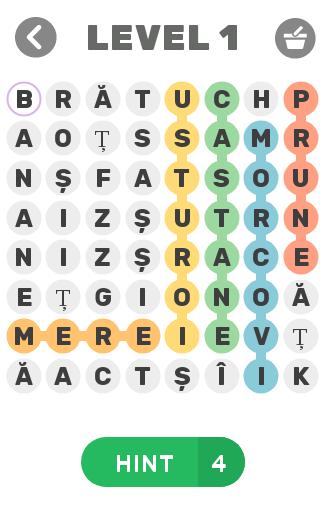
Create words (fr) from 2 to 6 letters from the block of letters on the board
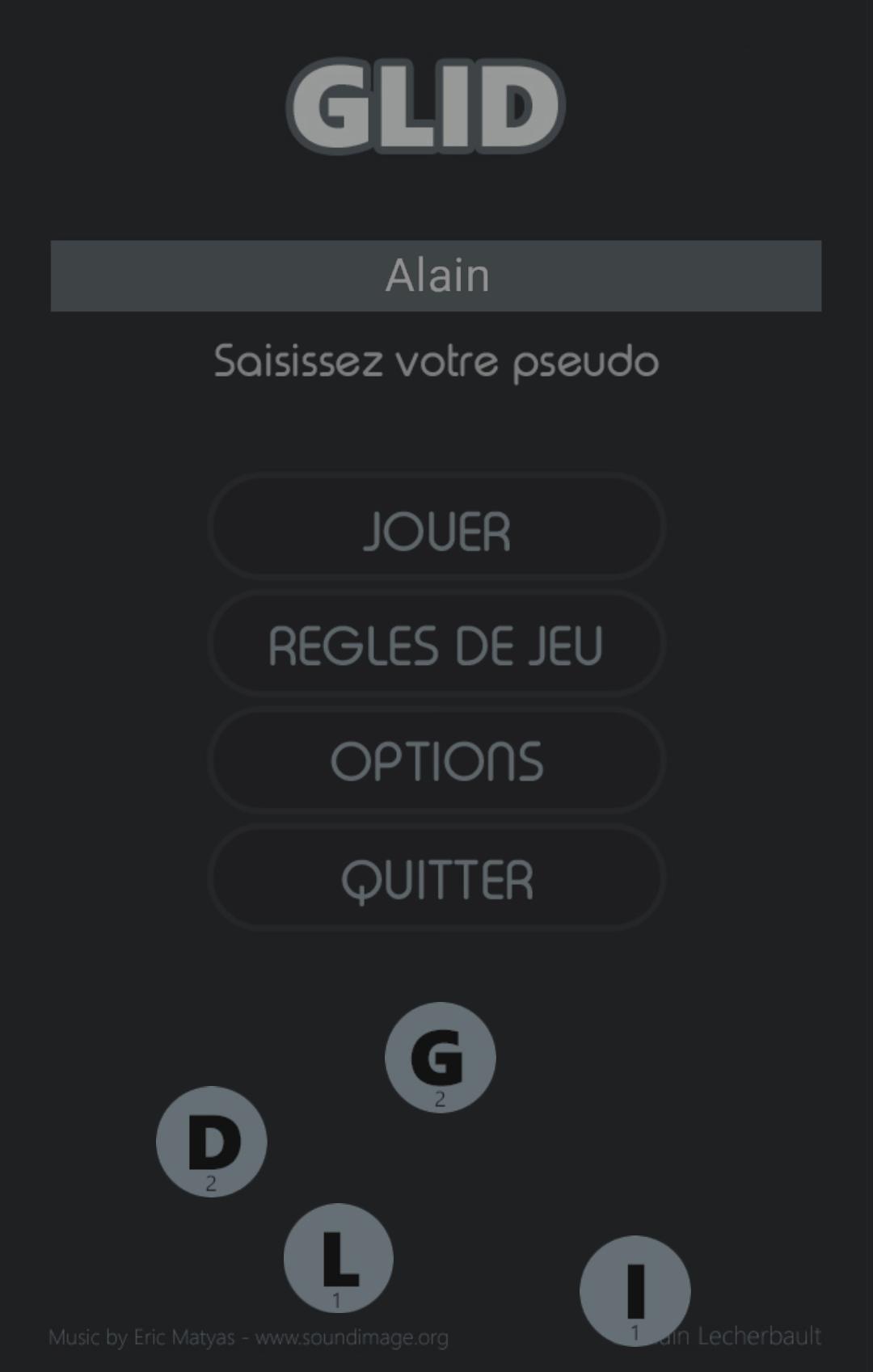
The goal of the Glid game is to obtain as many points as possible by creating and validating words of 2 to 5 letters from those appearing on the playing field.
16 letters appear at the start of the game in a block of 4 x 4 letters. No horizontal or vertical words yet exist in this initial block. It's up to you to create some. To do this, you need to move the horizontal or vertical lines by clicking on the arrow keys at each end. The entire line moves from square to square, including spaces later left empty. When you want to validate one or more words created, you must click on the OK button of the game. Glid then scans all the horizontal and vertical lines of the playing field and makes all the words that its dictionary recognizes disappear, adding to the score the points acquired during this maneuver.
For counting points, and for each validated word, we add the value of each letter (1 to 10) by the number of letters in the word; then we multiply the total of these points by the number of words found and eliminated after validation. It is therefore necessary to move the lines and letters strategically, in order to form several words each with sufficient points. It is indeed better to create and validate the words EX and XE together than the single word LUXES, although it is longer; 88 points for the first case, 70 for the second.
You have 3 “G” tokens at the start of the game. You lose one token for each lost round, and you gain one at the end of a successful round, up to a maximum of 3 tokens. When a round is won, its points are doubled. The game is definitively lost when you no longer have any chips to continue.
Winning a round consists of eliminating all the letters in the game from the board, by successively creating words. Glid scans the game after each word validation, and immediately stops the round if no authorized word is possible with the remaining letters on the board or if only one remains. However, the game can continue if you have enough chips left.
It is possible to save a current game associated with the existing nickname. To do this, you must click on the "SAVE" button and exit the game. The next time you open the game, and if the nickname entered is the same as during the saved game, Glid will offer to restore it. Be careful, when you save a game and if you continue to play (word validation) after clicking on "SAVE", Glid obviously erases the save.
You can play with several people on the same smartphone or tablet and play different games. Glid in fact associates existing and/or saved games with the different nicknames entered.
The Highscore of the Glid game is saved on the Internet each time a score exceeds the best. It is loaded at the start of any game. Your goal: become the Glid Game Master!
Glid uses a French dictionary. A version in other languages is currently being developed.
Completely free game.
Read more